Image 1:Main Page listing services
If you aren't already there go to the main page and click on the service name. The main page can be displayed by clicking on home at the upper left corner.
Image 1:Main Page listing services
On the service page search for the operations table. It lists all the available operations of the service. You will find a operation called getEmployee. Click the link and the registry will create a from for you so you can type or paste the parameters.
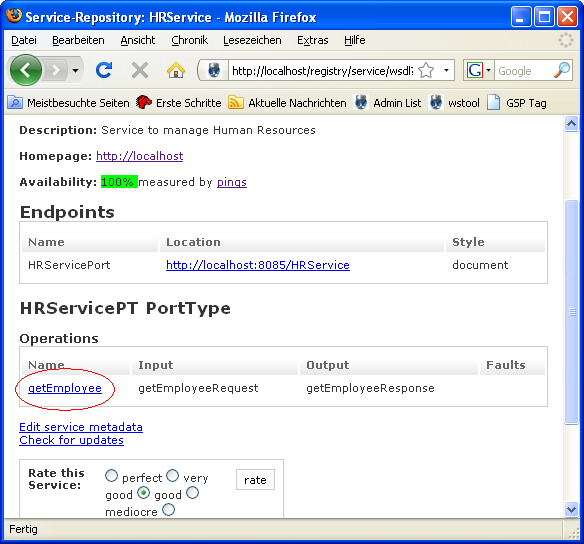
Image 2:Service Details
This operation is simply implemented by our service. As you can see in the documentation there are two employeers available. Let's take a look at the personal data of EM-00001. Use EM-00001 as identifier and click the send buttton.
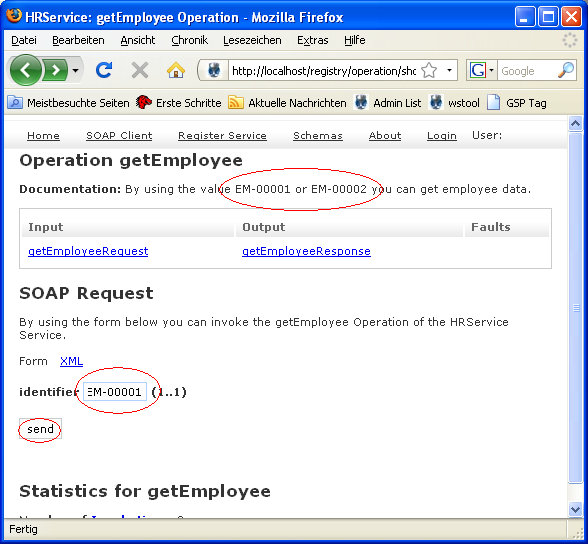
Image 3:Generic SOAP Client
In the top box you can see the request you just have send. In the bottom box you get the response. There you see that EM-00001 belongs to John Doe. Press the "use this request as ping" link to set the ping request for availability testing.

Image 4:Request and Response in the Generic Client
Lets take a look at the availability testing and what has changed by using this request for pings.
Click on the home link to go to the Main Page. From there click the service name link to open the Service Detail Page.
Image 5:One the Main Page again.
Than click the pings link.
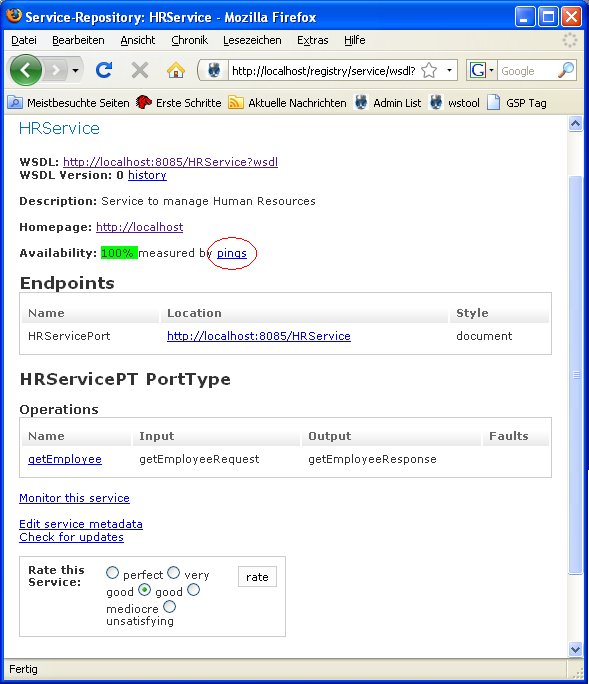
Image 6:Service Details
You can see that the chart has changed. Now the http status code is 200, because we send the pings with the correct soap messages needed for the service.
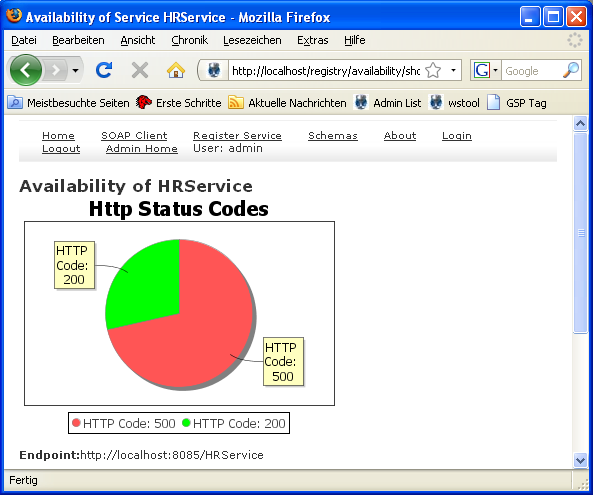
Image 7:The Chart for the pings
Copyright (c) 2009 predic8 GmbH.